Guides
Selection History
Select the cells you want to recover and choose Show Selection History from the sheet menu or the command palette.
Compare a revision
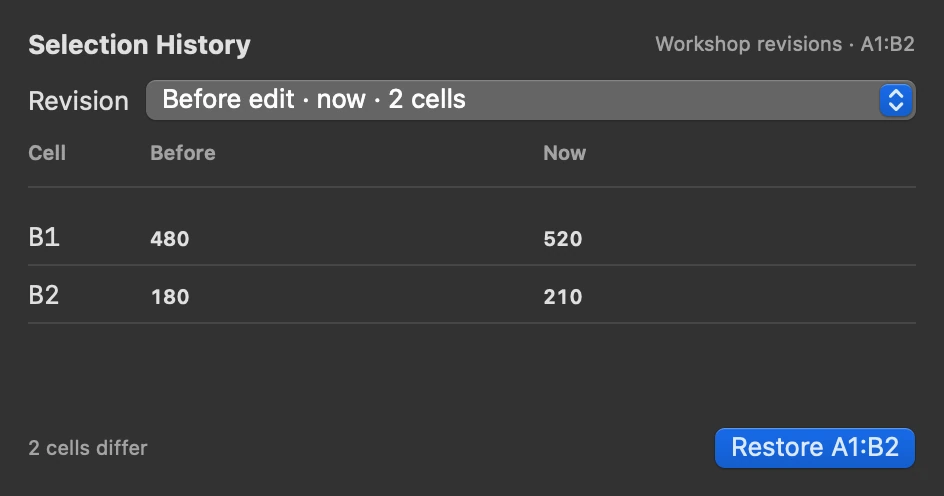
Pick a revision to see the selected cells that differ from the current sheet. Before shows the entries and formatting just before that edit. Now shows what is in the grid. Changed entries or formats are emphasised. Formula cells show the expression that will be restored. Hover over the revision time for the exact date and time.
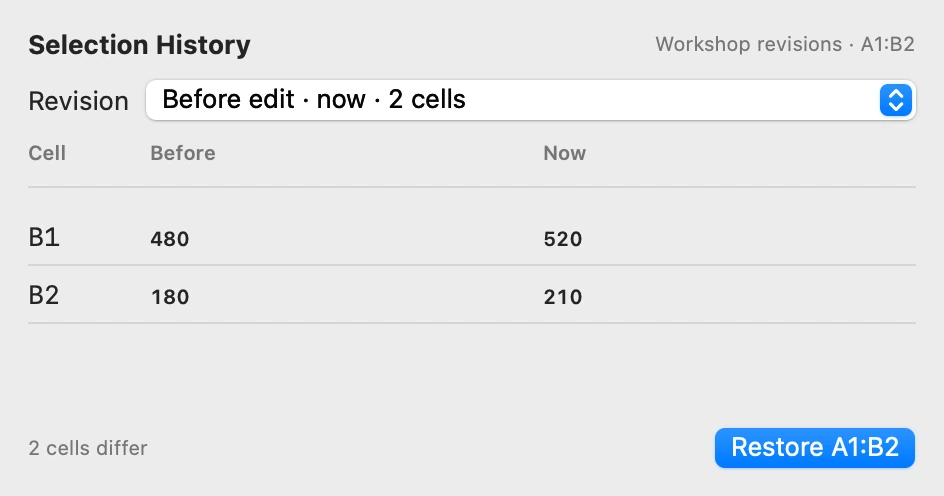
Restore just the range
Enter 10 in A1 and =A1*2 in B1. Change A1 to 15, then select A1:B1 and open Show Selection History. Choose the revision before the last edit and click Restore A1:B1. A1 returns to 10 and B1 recalculates to 20.
Scratch restores entries and formatting inside the selected range. Cells outside it keep their current entries. Formulas recalculate using the current sheet, including any references outside the range. Press ⌘Z to reverse the restore in one step.
History starts with edits made after installing this build and stays in the workbook on your Mac across launches. Scratch keeps up to 100 recent grid edits per sheet. Large edits can reduce how many older revisions are kept.