Local preview
A spreadsheet you can pull up anywhere
Press ⌥ Space for a small grid over the app you’re in. Work out the numbers, jot down what they mean, and pick up where you left off.
make run Run from a Scratch checkout with Swift 6 on macOS 14 or later.
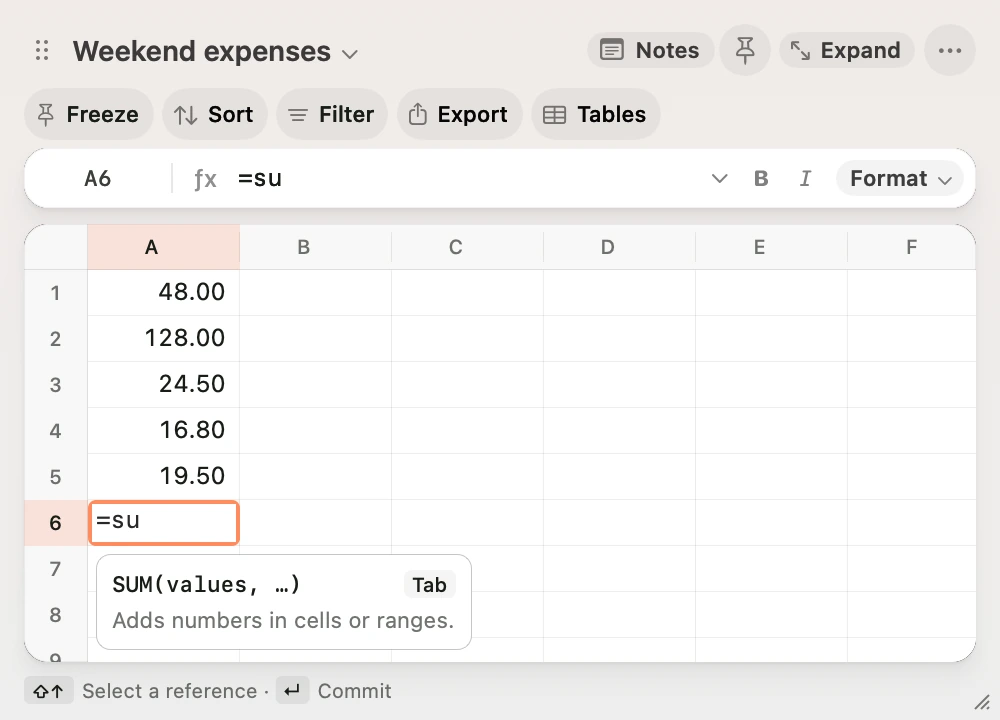
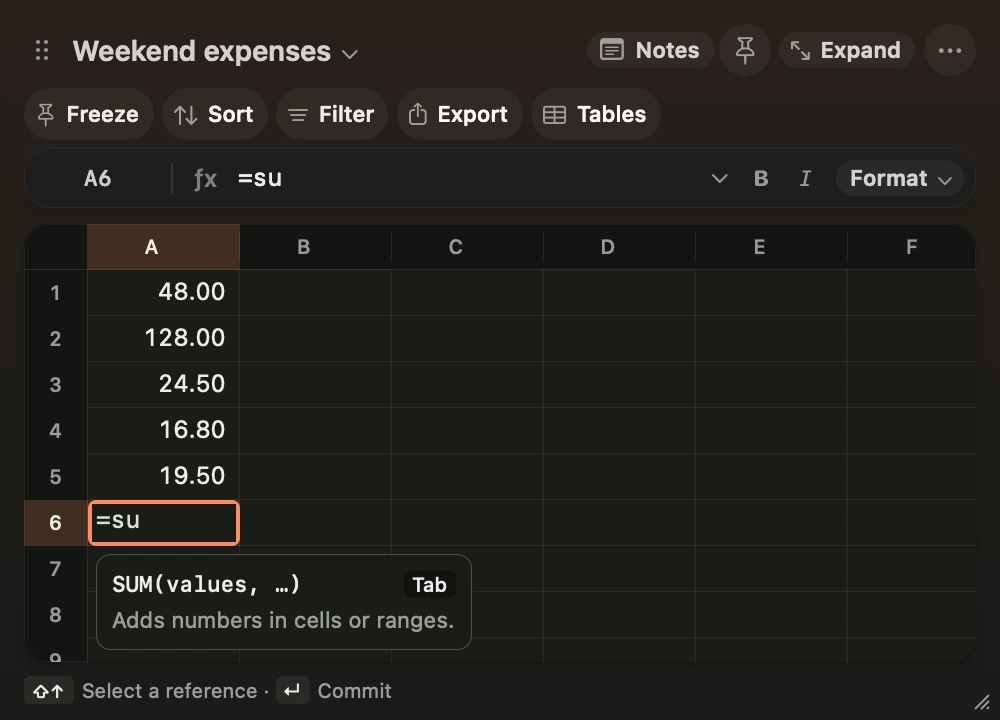
Watch the total come together
Keyboard
Stay in the grid
Type straight into a cell. Tab completes a formula suggestion or takes you to the next column. Open the command palette to find a command, jump to a cell or convert a unit.
Grid and shortcuts- ⌥ SpaceShow Scratch
- ⇧⌘POpen the command palette (default)
- ⌘JShow notes (default)
Capture
Bring numbers in from another app
Copy amounts or a screenshot and press ⌥⇧ Space. Scratch opens a new sheet. For screenshots, select a row to check the recognised amount against the source image.
Capture and pasteNotes
Keep the numbers with the explanation
Put live cells, tables or a chart beside your notes. Send the table and notes to today’s Obsidian daily note and update the saved sheet in one step.
Notes and ObsidianQuestions
- Can I download Scratch?
- Scratch is a local preview. A public app download is still pending.
- Where do my sheets live?
- Scratch saves the workbook and source images on your Mac. Screenshot recognition also runs on your Mac.
- Can I read these guides as Markdown?
- Yes. Add
.mdto a guide URL, or start at llms.txt.